
![[Andy] Export thread](/data/resource_icons/0/53.jpg?1775562849)


Description:
Allows exporting a thread as HTML file.
This add-on is useful should you want to save a thread and attach it to an email.
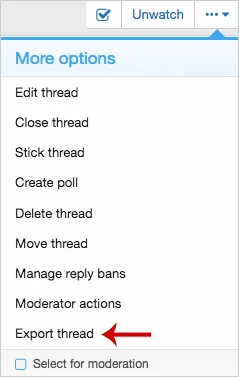
(Example of Export thread link)
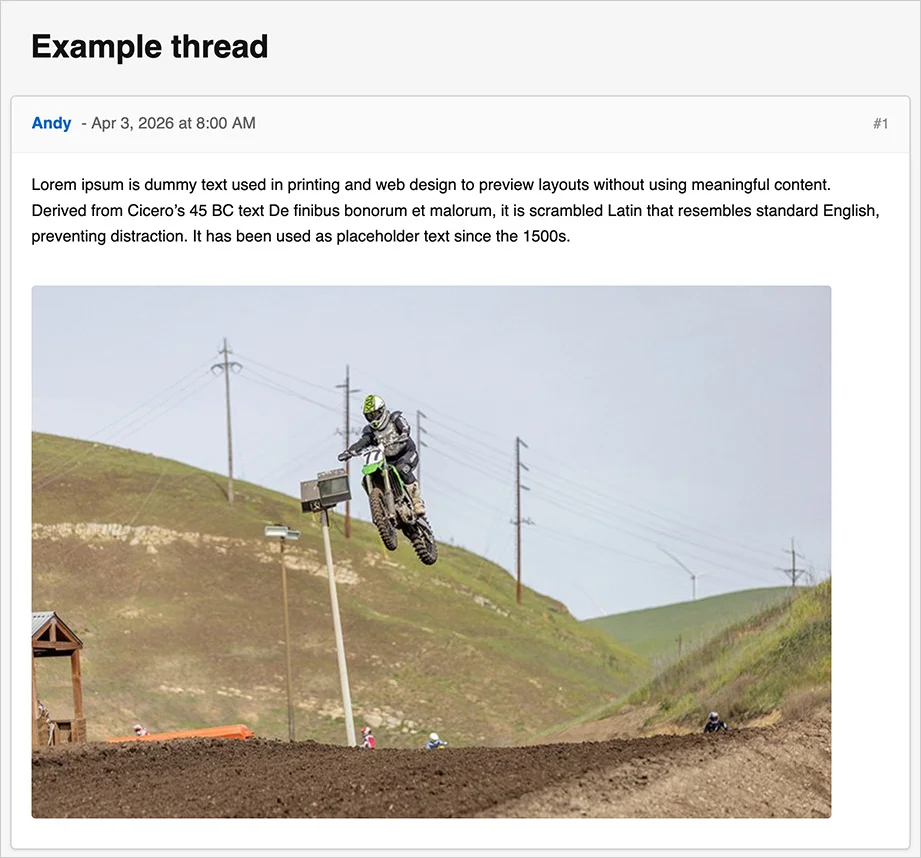
(Example of Export thread select page)
(Example of User group permissions)

Features:
Typically you will set the Registered user group to Yes.
How to use:
Q: Are attachments embedded inside the HTML file?
A: Yes.
Q: Are videos supported?
A: Yes. Videos are embedded as links.
Allows exporting a thread as HTML file.
This add-on is useful should you want to save a thread and attach it to an email.
(Example of Export thread link)
(Example of Export thread select page)
(Example of User group permissions)
Features:
- All phrases start with exportthread_ for your convenience.
Typically you will set the Registered user group to Yes.
How to use:
- Go to the thread you want to export.
- Click the Export thread link in the More options menu.
- Save file to your computer.
Q: Are attachments embedded inside the HTML file?
A: Yes.
Q: Are videos supported?
A: Yes. Videos are embedded as links.

![[OzzModz] Install/Upgrade Button On Install/Upgrade Success Page](/data/resource_icons/0/66.jpg?1776488532)
![[OzzModz] Addon Options Menu On Install/Upgrade Success Page](/data/resource_icons/0/65.jpg?1776488108)
![[XB] Thread Prefix Forces Thread Type](/data/resource_icons/0/64.jpg?1776487600)
![[XB] Copy Tags](/data/resource_icons/0/63.jpg?1776487146)